
Libattion

Supported Devices
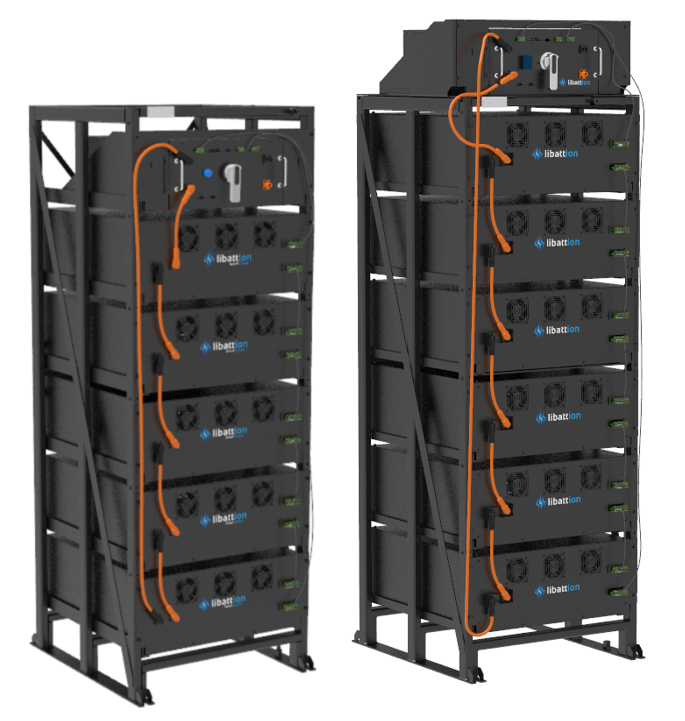
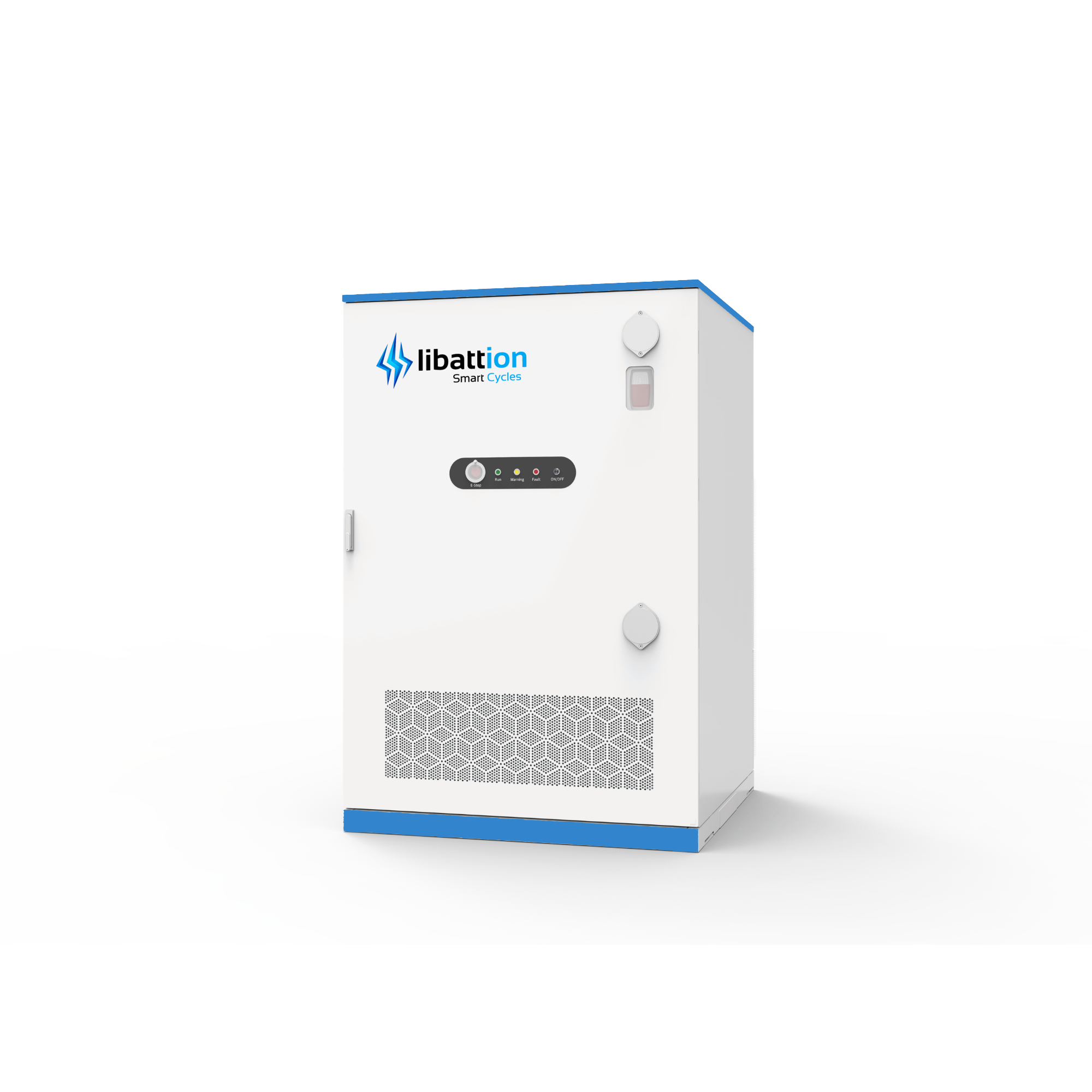
| Device Type | Modbus TCP (Ethernet) | RS485 |
|---|---|---|
| MBMS | ✅ | ❌ |
| e-Rack v2-18 + Inverter (85 kW / 97 kWh) | ||
| e-Cabinet 232 (115 kW / 232 kWh) | ||
| e-Cabinet 440 (220 kW / 440 kWh) | ||
| e-Container X (AC-Block) (0.7–2.8 MW / 2.1–5.6 MWh) |
Wiring
Connecting an External EMS or Plant Controller
Connect Port A of the Libattion system to the external third-party EMS or plant controller and ensure that the system has access to the internet.
There are two possible configurations:
Option A – Connection via an Ethernet switch
Connect both the Libattion Controller and the external third-party EMS or plant controller to an Ethernet switch. The switch should be connected to a router providing internet access.
Option B – Direct connection
Connect the Libattion Controller directly to the external third-party EMS or plant controller. In this configuration, the connected system must provide internet access to the Libattion Controller.
Network requirements
In both configurations, the Libattion Controller must receive an IP address from a DHCP server on the local network.
If firewall rules are configured to restrict outgoing connections, the firewall requirements for the customer's local network must be respected to ensure proper communication and connectivity.
Connecting an External EMS or Plant Controller
Connect Port A of the Libattion system to the external third-party EMS or Plant Controller and ensure that the system has access to the internet.
There are two possible configurations:
Option A – Connection via an Ethernet Switch
Connect both the Libattion Controller and the external third-party EMS or Plant Controller to an Ethernet switch. The switch should be connected to a router providing internet access.
Option B – Direct Connection
Connect the Libattion Controller directly to the external third-party EMS or Plant Controller. In this configuration, the connected system must provide internet access to the Libattion Controller.
Network Requirements
For both configurations, the Libattion Controller must receive an IP address from a DHCP server on the local network.
If firewall rules are configured to restrict outgoing connections, ensure that the firewall requirements for the customer's local network are respected to allow proper communication and connectivity.
Ethernet Connection
Make sure that the Controller and the Libattion system are connected to the same network.
For general Ethernet wiring best practices, see the Ethernet wiring guidelines.
Commissioning
The Libattion Controller will boot automatically once connected to power. Contact the Libattion Service Team for the comissioning beforehand.
Commissioning
The Libattion Controller will boot automatically once connected to power.
Please contact the Libattion Service Team before commissioning the installation.