
Factory Reset
Warning
If you reset the GM Energy Controller, the network configuration will be reset to DHCP. Take care if you perform a factory reset remotely, because the GM Energy Controller might lose network access if it needs a specific network configuration!
Warning
Before you perform a factory reset, it is recommended that you make a backup of the settings.
Through the commissioning interface
Tip
Lost access to commissioning interface You can retrieve the IP address through mDNS. See also Option 3.2 of Accessing the commissioning interface.
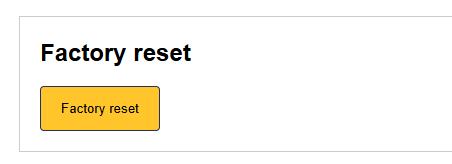
You can reset the GM Energy Controller through the commissioning interface, from the settings tab. Scroll down to "Factory reset", and click "Factory reset".
Without the commissioning interface
GM Energy Pro (Model OM1)
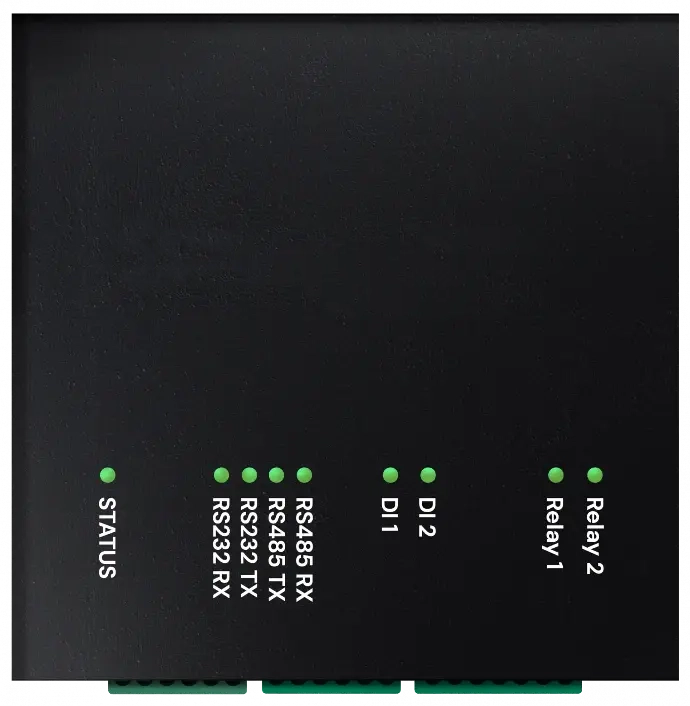
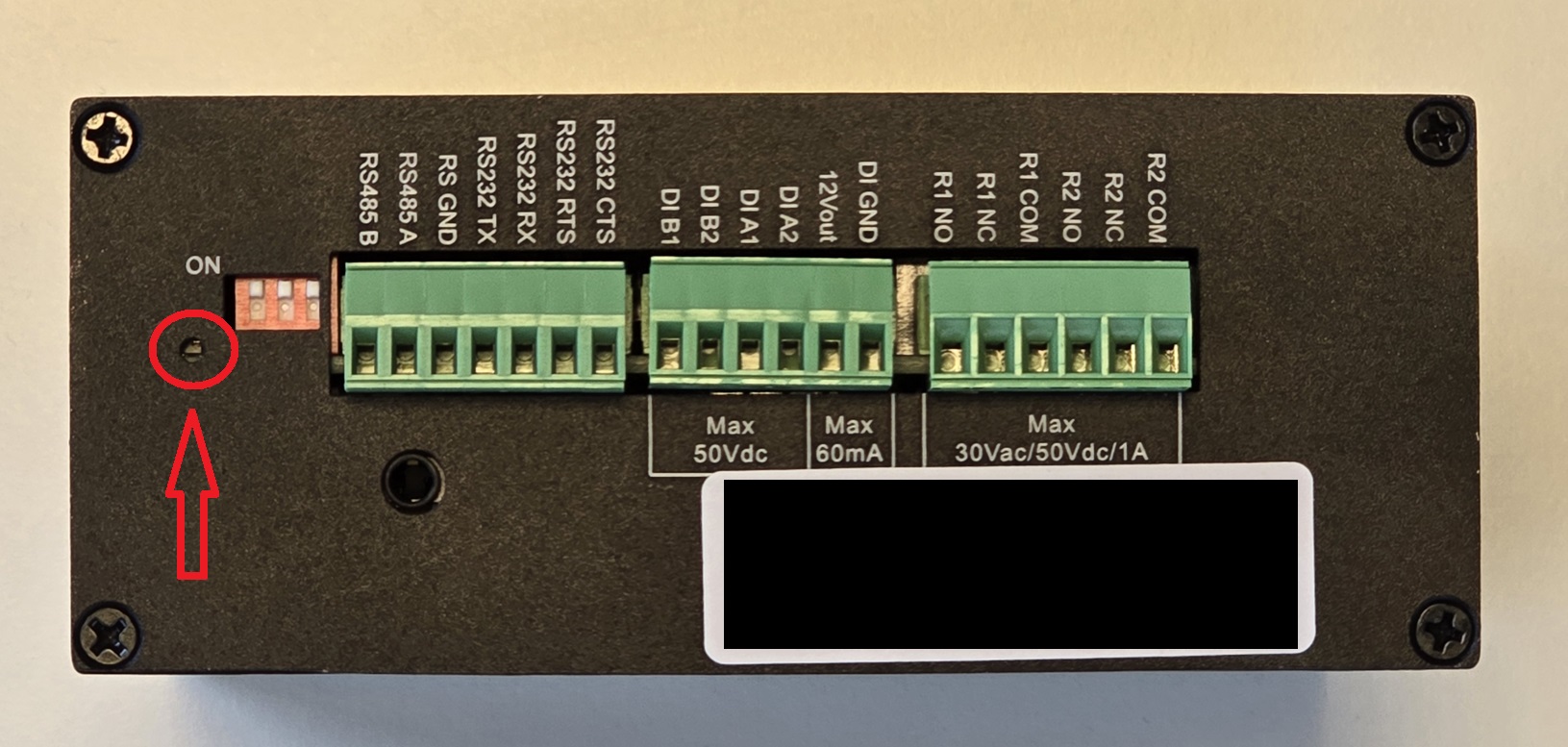
Switch the GM Energy Controller and wait until it has booted (LED is cyan or blue during startup). This can take several minutes without internet. When the GM Energy Controller is on, you can reset the GM Energy Controller by pressing the physical reset button in the pin hole next to the RS485 interface for 10 seconds. The status LED will flash red-green. Release the reset button when the status LED becomes blue. The GM Energy Controller is now rebooting.
Tip
Make sure you feel the reset button clicking when pressing it.
GM Energy Home (Model EDS)
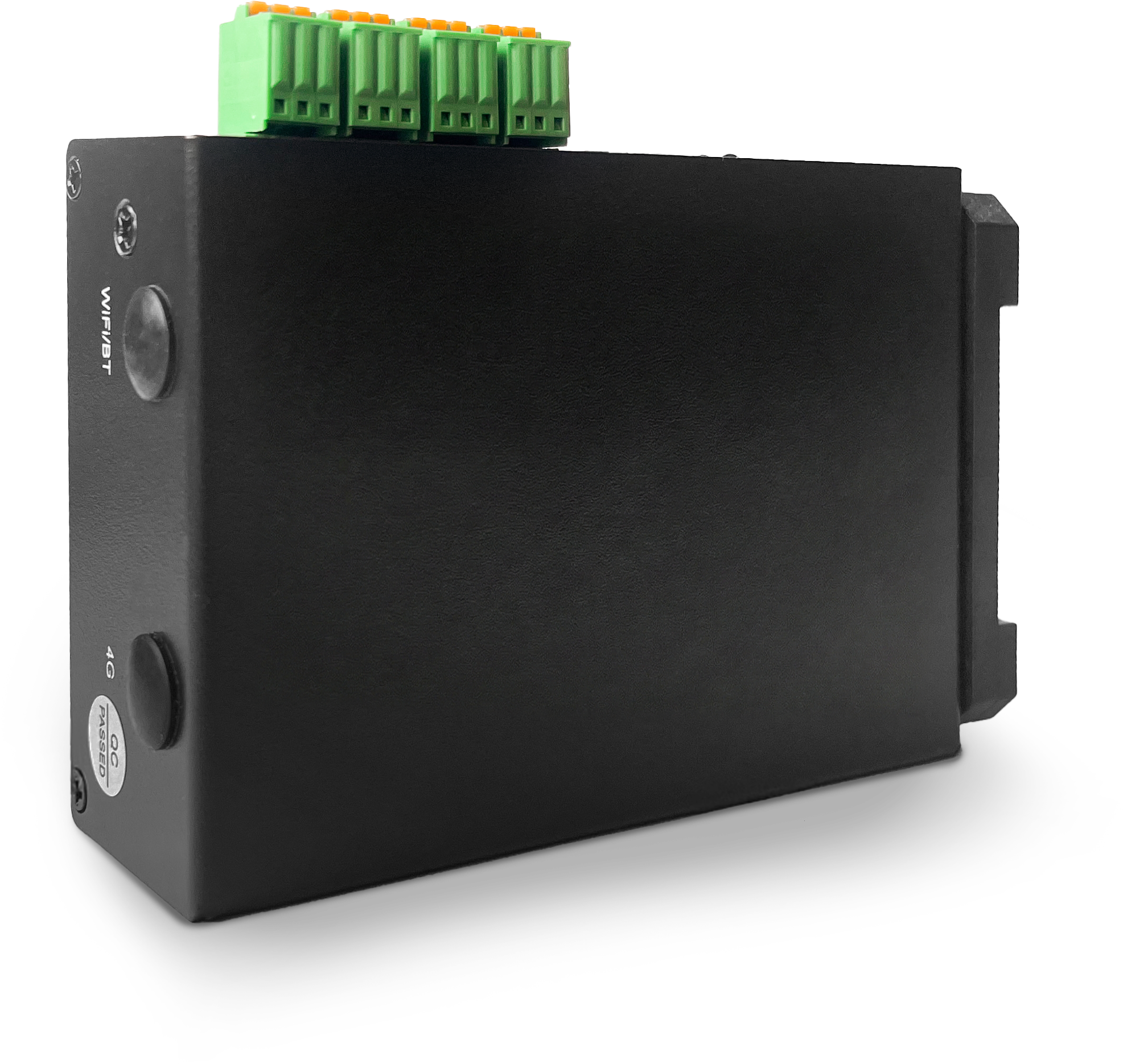
This model does not have physical reset button. You must reset the GM Energy Home through the commissioning interface.
GM Energy Lite (Model M1S)
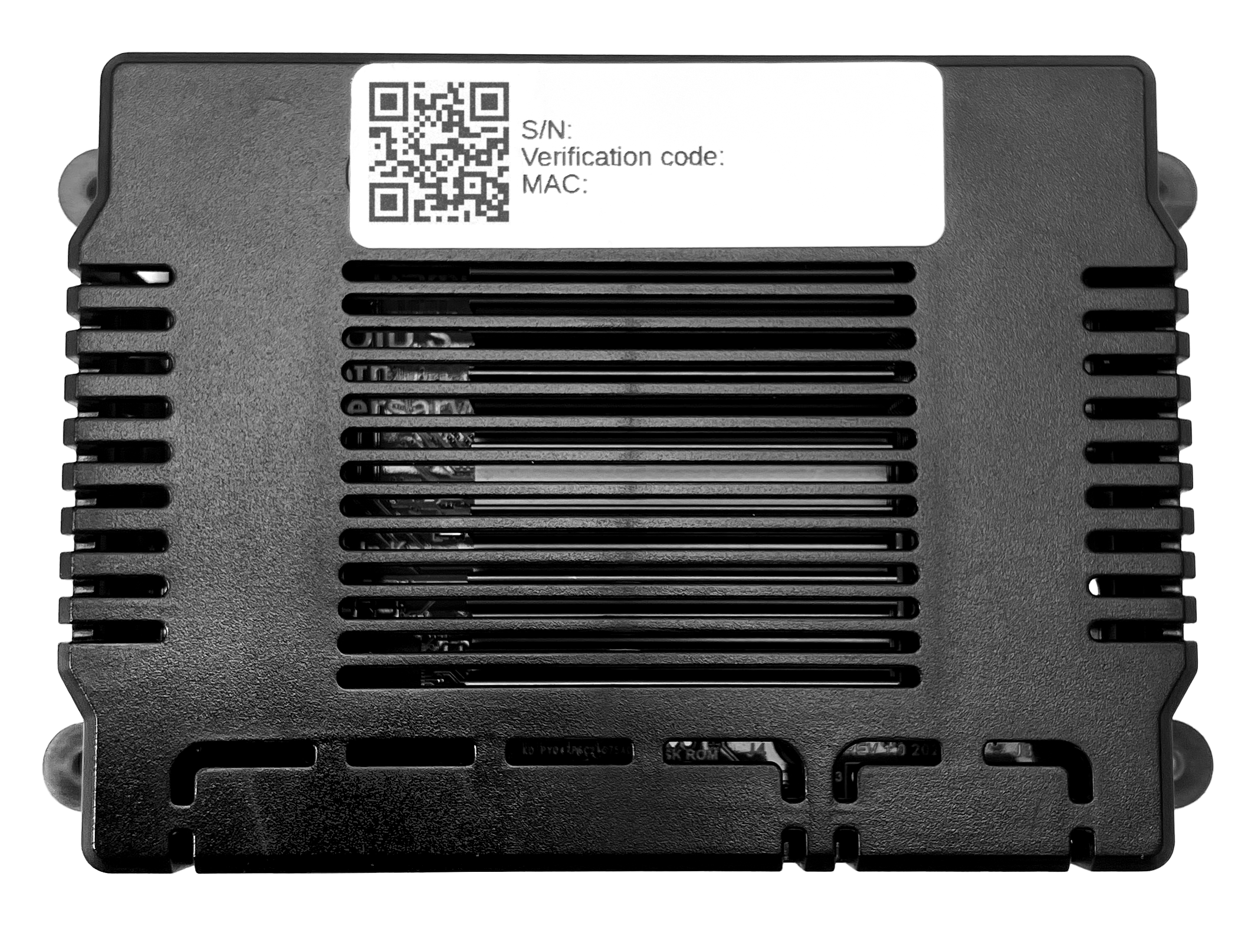
This model does not have physical reset button. You must reset the GM Energy Lite through the commissioning interface.